
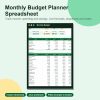
Monthly Budget Planner Spreadsheet (.xlsx) with Annual Summary and Savings Goals
$9.99 & free US shipping
- What it is: A budget workbook with live formulas: log transactions, see planned vs actual by month, a 12-month summary, savings goals and a bill calendar.
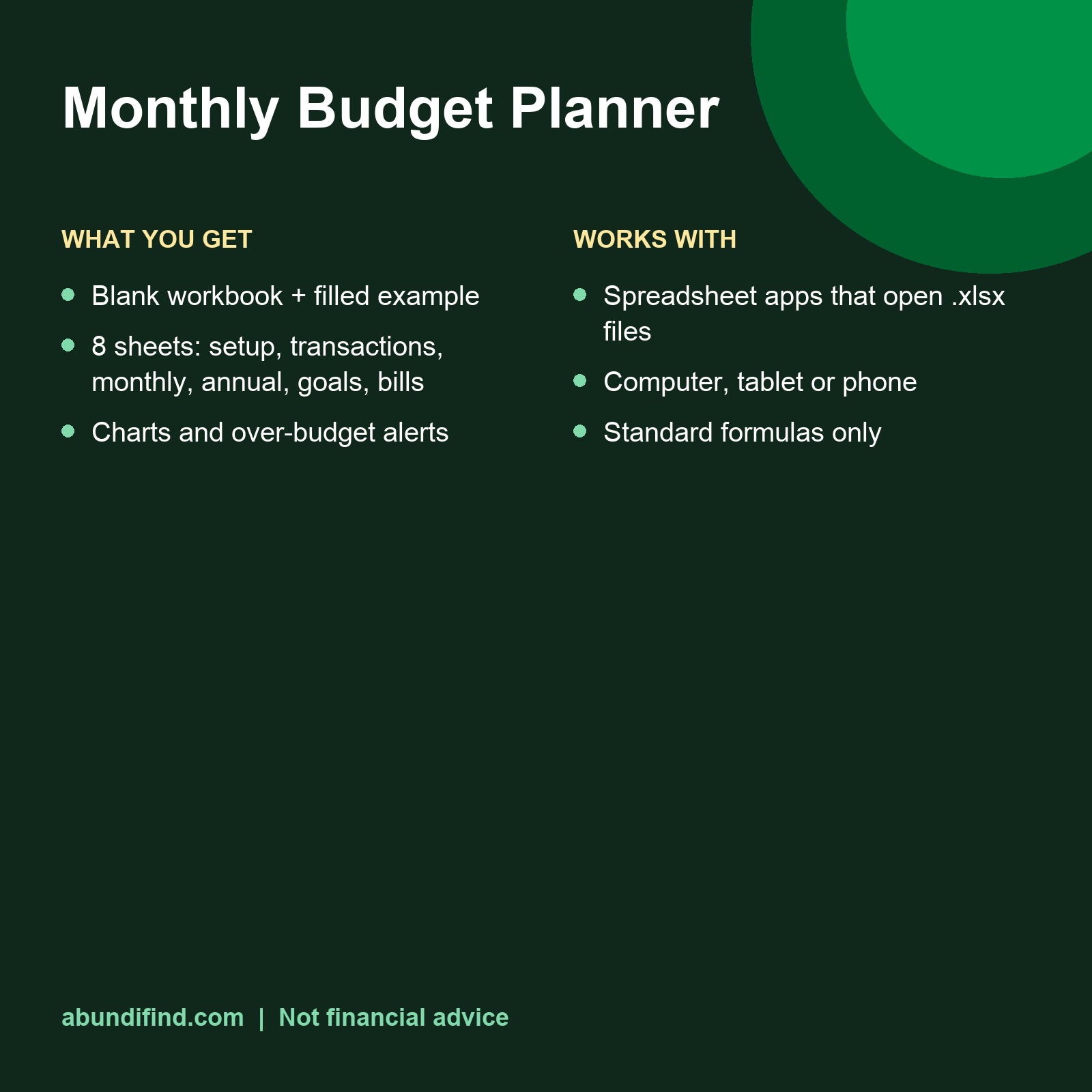
- What is included: Blank workbook plus a filled-in example so you can see how it works; Setup sheet: income sources and 20 editable expense categories; Transactions sheet with category dropdown (room for 1,500 rows). See the full list in the description.
- File format and pages: Two .xlsx files; Standard formulas only, no macros; Works in spreadsheet apps that open .xlsx files, on computer, tablet or phone.
Made to order, shipped free with tracking
- Free shipping on every US order, with tracking
- Ships in 2–5 business days, arrives in about 10
- Made to order, so no returns or size exchanges
- Refund if it misses our quality standard
- Questions? We reply within 24 hours
Description
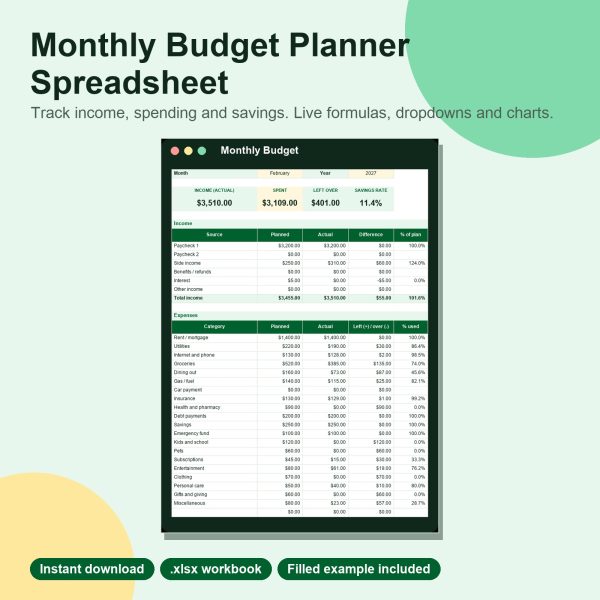
Type in your income and plan, log what you spend, and the workbook does the rest: planned vs actual for any month, an annual summary and a chart that shows where you went over.
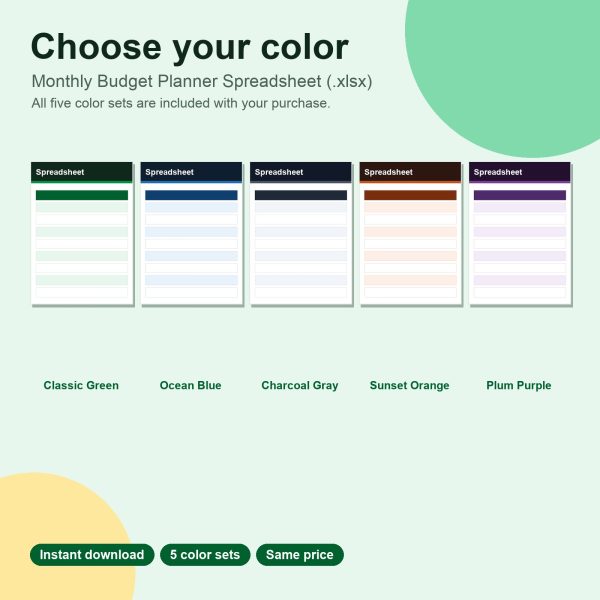
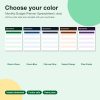
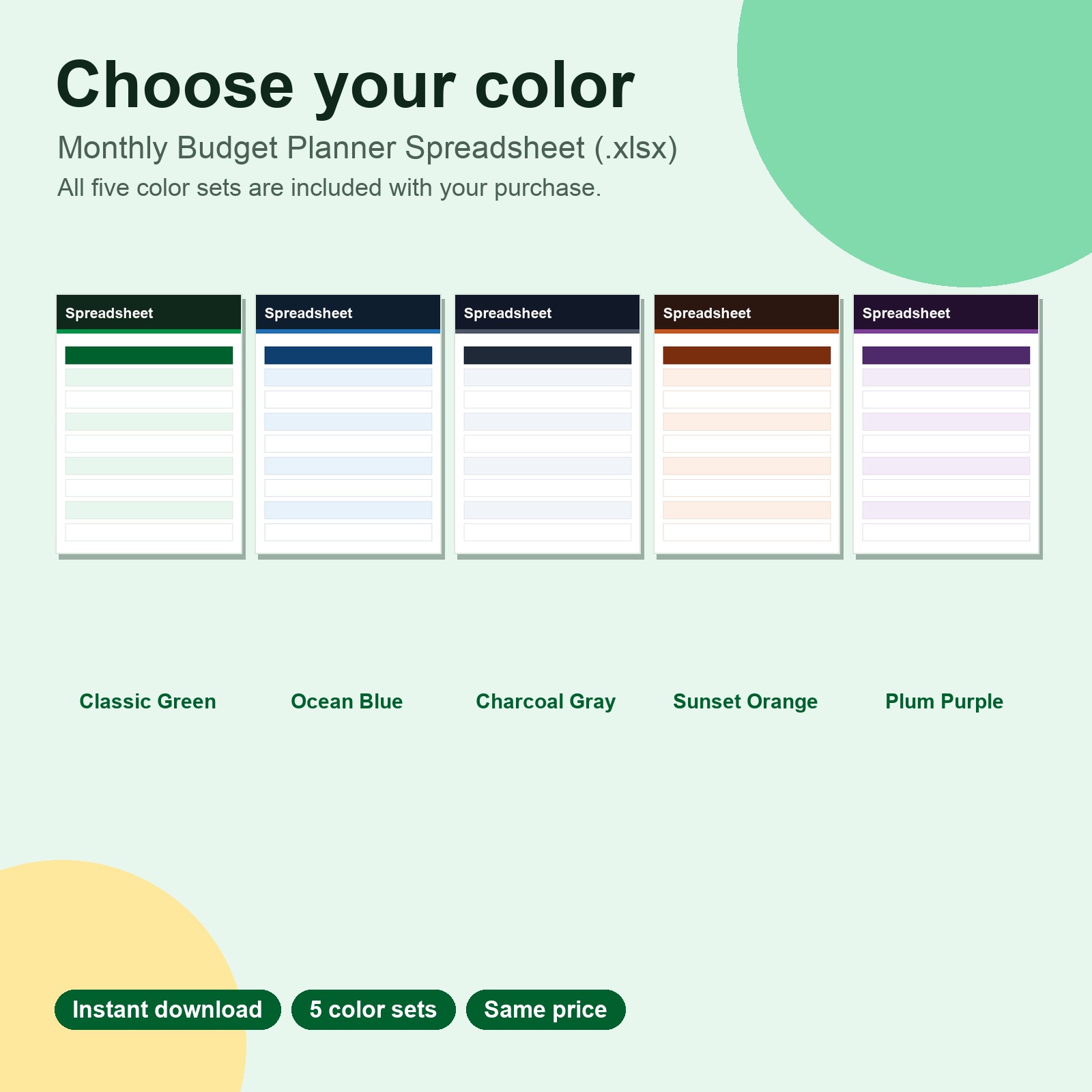
Color options included: Classic Green plus Ocean Blue, Charcoal Gray, Sunset Orange and Plum Purple. Every color set is in your download, so you can pick the one you like. Same price.
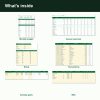
What’s included
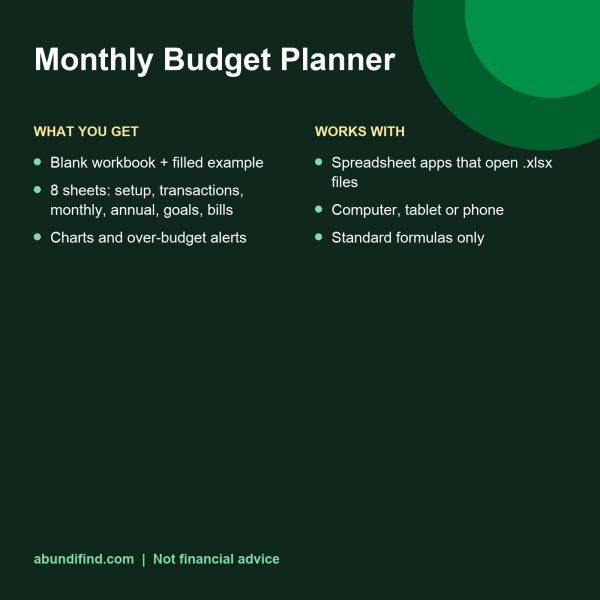
- Blank workbook plus a filled-in example so you can see how it works
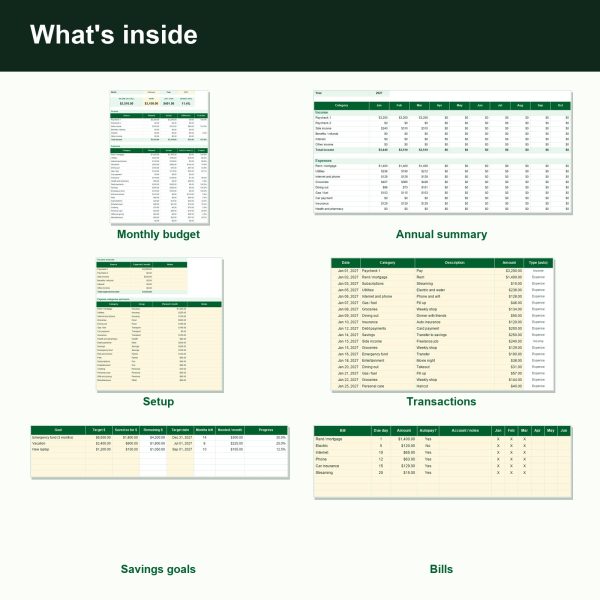
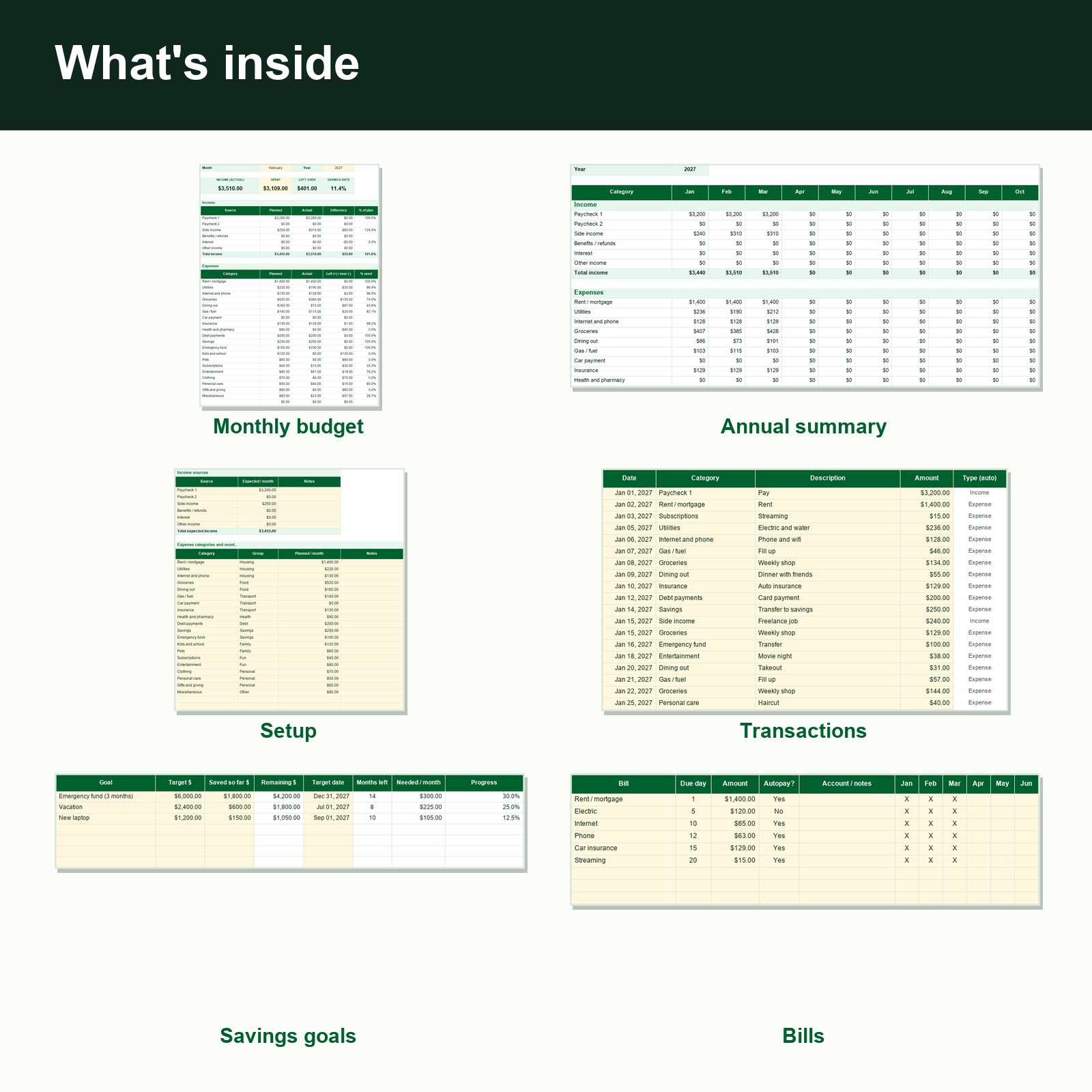
- Setup sheet: income sources and 20 editable expense categories
- Transactions sheet with category dropdown (room for 1,500 rows)
- Monthly Budget: choose a month and year, see planned vs actual, what is left, savings rate and a chart, with over-budget cells highlighted
- Annual Summary of all 12 months, Savings Goals with monthly amount needed, and a Bills calendar
File details
- Two .xlsx files
- Standard formulas only, no macros
- Works in spreadsheet apps that open .xlsx files, on computer, tablet or phone
How it works
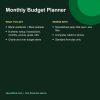
- Download the blank workbook
- Fill in Setup, then log transactions
- Open Monthly Budget and choose the month
Good to know
- This is a planning tool, not financial advice. Change the currency symbol by editing the cell number format.
- This is a digital download. Nothing is shipped.
- Your download link appears on the order confirmation page and in your order email as soon as payment clears.
- Personal use license: print and use it for yourself and your household. Please don’t resell, share or redistribute the files.
- Because this is a digital product we can’t accept returns. If a file won’t open or something is wrong, contact us and we’ll make it right.
Before you buy
Questions about this download, answered
You get: Blank workbook plus a filled-in example so you can see how it works; Setup sheet: income sources and 20 editable expense categories; Transactions sheet with category dropdown (room for 1,500 rows); Monthly Budget: choose a month and year, see planned vs actual, what is left, savings rate and a chart, with over-budget cells highlighted; and Annual Summary of all 12 months, Savings Goals with monthly amount needed, and a Bills calendar.
Two .xlsx files; Standard formulas only, no macros; and Works in spreadsheet apps that open .xlsx files, on computer, tablet or phone.
1. Download the blank workbook. 2. Fill in Setup, then log transactions. 3. Open Monthly Budget and choose the month.
This is a digital download. Nothing is shipped. Your download link appears on the order confirmation page and in your order email as soon as payment clears.
Personal use license: print and use it for yourself and your household. Please don’t resell, share or redistribute the files.
Because this is a digital product we can’t accept returns. If a file won’t open or something is wrong, contact us and we’ll make it right.
This is a planning tool, not financial advice. Change the currency symbol by editing the cell number format.
Looking for more? See all digital downloads.




Reviews
There are no reviews yet.